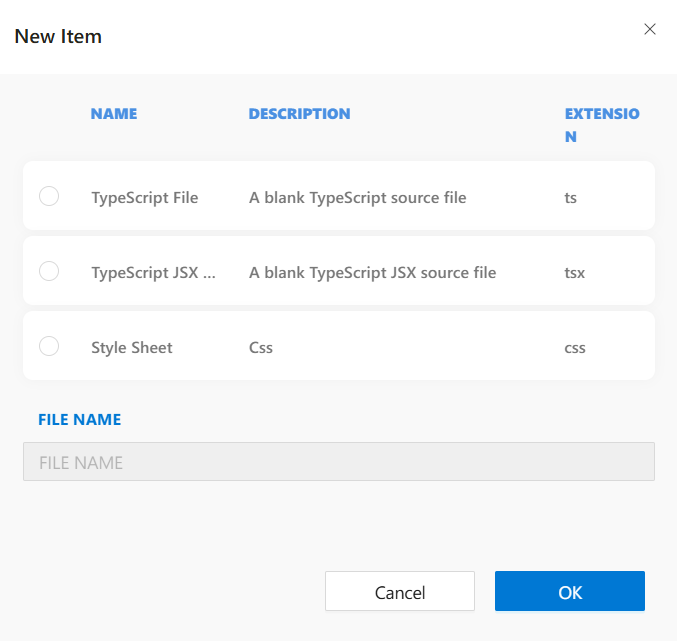
New Item Dialog
When you select New Item from the context menu in the asset folder, a dialog appears allowing you to create various predefined file types.
This dialog simplifies the creation of common frontend resource files such as scripts and styles.
Available File Types:
-
TypeScript File
Description: A blank TypeScript source file
Extension:.ts -
TypeScript JSX File
Description: A blank TypeScript JSX source file
Extension:.tsx -
Style Sheet
Description: CSS style sheet
Extension:.css
Steps to Create a New File:
- Right-click the asset folder and select New Item.
- Choose one of the file types from the list.
- Enter a file name in the FILE NAME field at the bottom.
- Click OK to create the file inside the asset folder.
Tip: File names must be unique within the folder and should not include special characters.
Use Cases:
- Creating reusable
.tshelper functions. - Defining component-based styles with
.css. - Adding
.tsxfiles for advanced form scripting with JSX support.